
AI Video Tools
Turn images into short-form videos
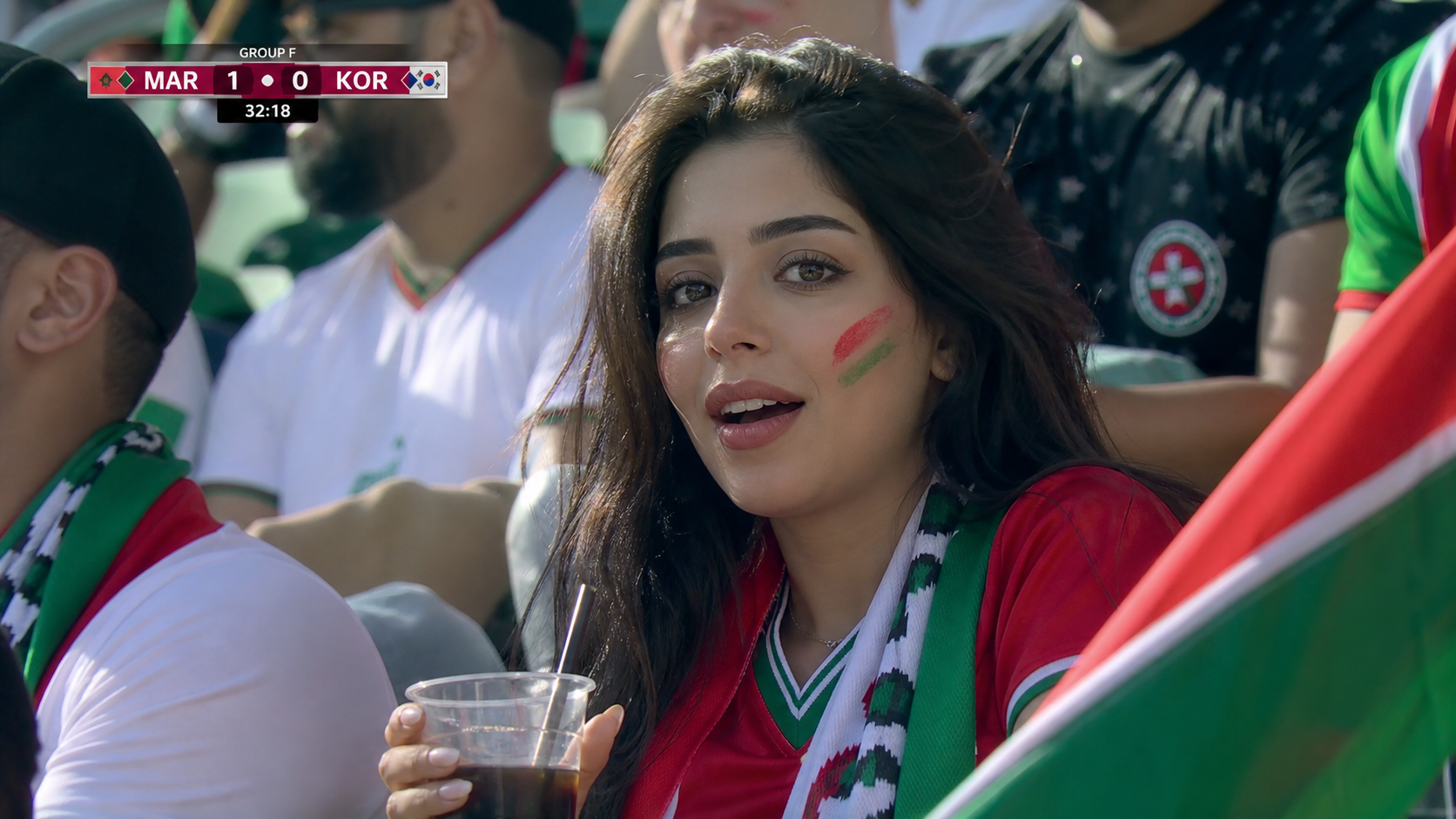
Generate AI videos from prompts, photos, posters, product visuals, and football fan cam images. For fan cam, generate a realistic TV broadcast photo first, then use that still image as the source frame for video motion.
Step 1
Upload or reuse an image
Step 2
Describe motion
Step 3
Generate a short clip

AI Video Generator
Start with a prompt and generate short-form clips for ads, social posts, and creator concepts.
Image to Video Generator
Upload a still image or use a generated visual, then add camera movement and atmosphere.
Photo to Video Generator
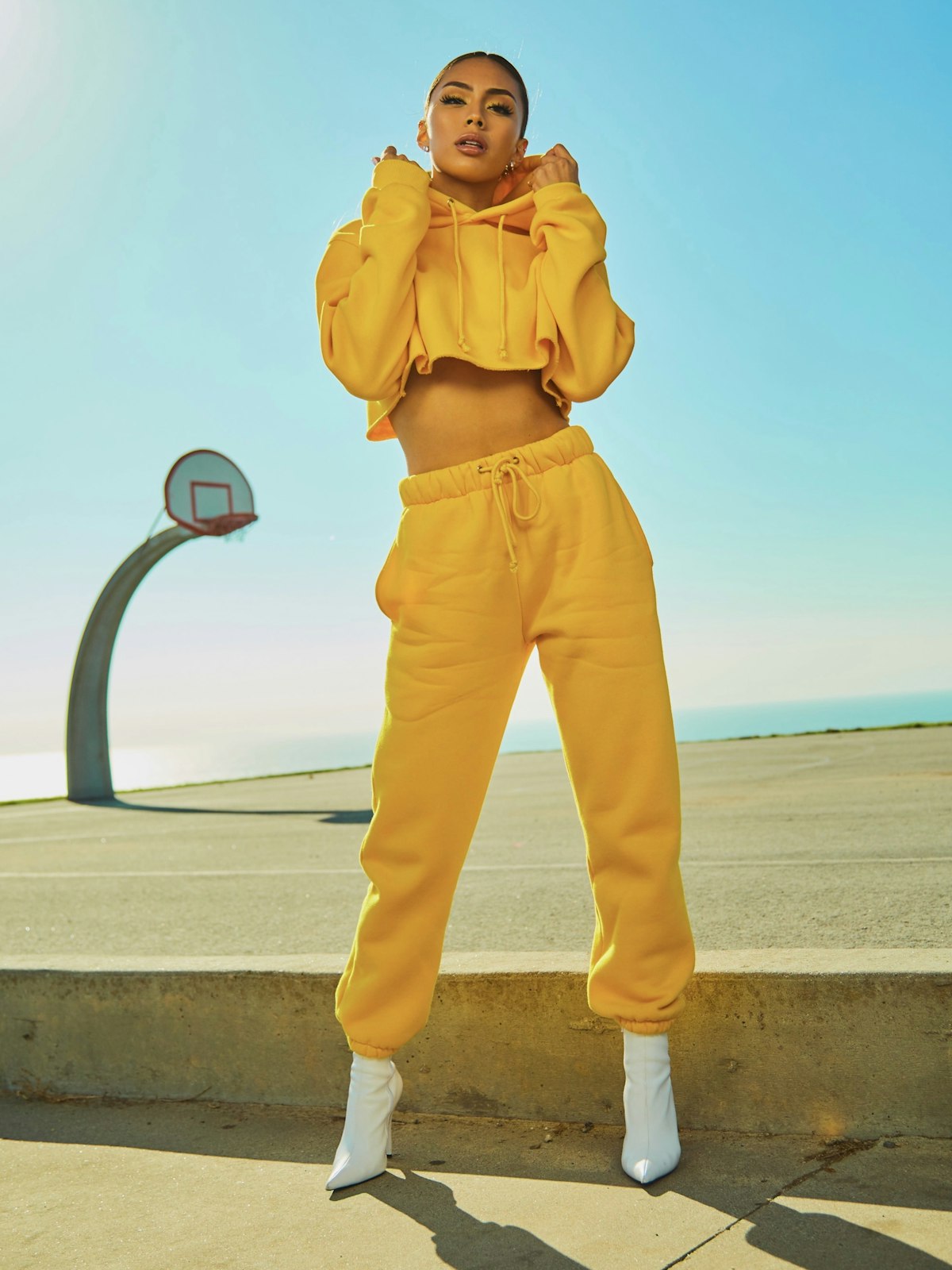
Animate portraits into expressive short clips for profile videos, fan edits, and social reels.
Football Fan Cam Video
Generate a realistic TV fan cam source photo from a selfie, then animate it with subtle broadcast motion.
Reuse generated images as video inputs
The same account, credits, generation history, and workspace can support image results and mock video results while real video providers are added later.